The USB Stick That Keeps Your Private Laptop in Your Pocket
How do you get away with just one device for both work and personal stuff? I get asked this constantly by colleagues. Most field service techs end up lugging two laptops around: the company machine for work, and a personal one for everything else. Except that goes against the first rule of field service, travel light. Two laptops is the exact opposite of light. Here’s how I solved it for myself.
Contents
- A USB stick for the personal system
- PortableApps and the apps I actually use
- Hardware
- Bottom line
A USB stick for the personal system
My first idea was installing a second OS on the laptop itself. Dropped that fast, since installing third-party software on the company machine just isn’t allowed where I work. The core idea was still right, the second system just couldn’t live on the laptop itself. So I landed on a USB stick and booting the machine from it.
Digging into it, I quickly realized constant rebooting gets old fast in everyday use. If I just want to check an email or bookmark something interesting for a minute, a full restart is way too much friction. What I actually needed was a Windows-based system running straight off the stick. That’s how I found the setup below.
PortableApps and the apps I actually use
PortableApps lets you build a complete little system out of individual portable programs, running straight off a USB stick or external drive. I put together a personal setup through these mini-programs that runs entirely separate from the company laptop. I use it whenever I’m out in the field and want to check personal email or browse. My personal documents live on the stick too, so I can handle private stuff quickly in the hotel in the evening. Here’s what I actually use.
Nobody wants personal and work email mixing, especially not on the company machine. PortableApps offers several email clients for this. I went with Mozilla’s option and run Thunderbird as the portable app. The upside is obvious: I can manage multiple email addresses in one program with nearly all the functionality I know from Outlook. Second upside: my mail stays entirely on the stick and never touches the company laptop.
Browser
Know the feeling? Quick streaming session in the hotel at night, personal login saved in the default browser, and the next day your browser history is full of personal sites and saved logins. That’s exactly what I want to avoid. So I run a separate browser on the stick, different from whatever’s preinstalled on the laptop. You’ve got no shortage of portable browser options either way.
Password manager
Another big reason for the PortableApps stick is KeePass. Over time you accumulate an absurd number of logins, usernames, and passwords. Every platform has its own security standard, so the passwords end up all over the place too. I personally gave up trying to remember them long ago, but I still never reuse a password.
KeePass is the right fit for me here: I manage all my credentials and passwords in it. The big win is only needing to remember one strong master password to unlock everything else. You can also work with different security levels depending on the platform. How careful you want to be on the road is ultimately a personal call.
Hardware
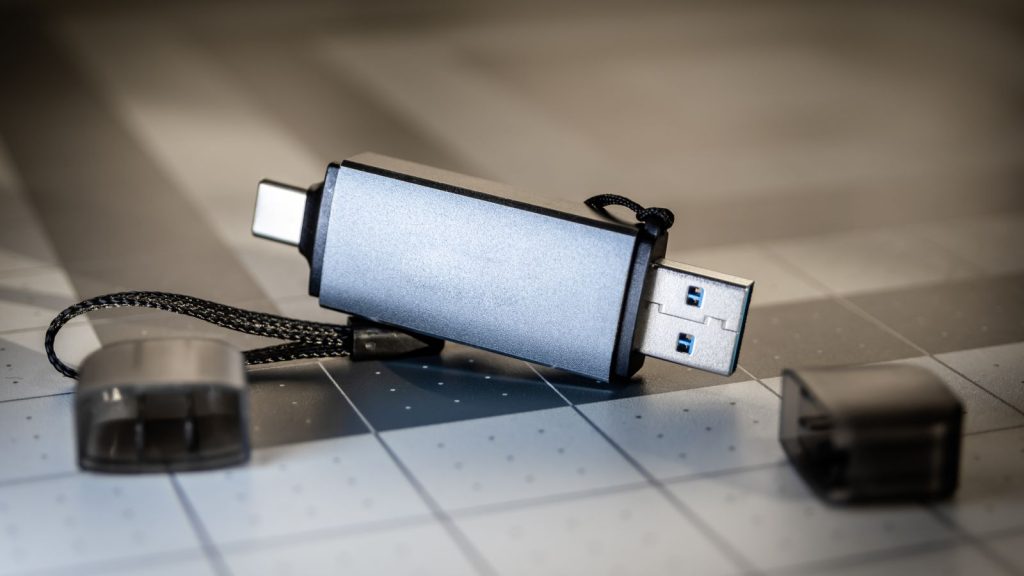
To physically separate the personal side from work, a USB device makes sense, in most cases just a simple USB stick. The advantages are obvious: small, light, and these days plenty of storage.
I started out with a basic 64GB stick over USB 3.0. After some time in the field it became clear: not enough storage, not rugged enough for daily use in a pocket.
Since then I’ve upgraded completely, and not just in storage but a whole different category: the SanDisk Extreme Pro USB-C, 1TB. Way more capacity than I need, but also noticeably faster (read speeds up to 1000MB/s) and rugged enough for daily use on a keychain. I still carry it on me constantly, in a pocket or around my neck, and it handles the sweat, knocks, and dirt of daily field work far better than the old 64GB stick ever did.
Some colleagues want a backup of their entire personal movie collection on there too. That needs way more storage than any stick can reasonably provide. For that I’d point you toward an external SSD instead, since you get a lot more capacity. The tradeoff: size and weight compared to a stick.
Worth being clear about, in case anyone’s wondering: this stick is strictly for personal use, so none of my own data ever ends up on the company machine. That clean separation was the entire point of the exercise.
Bottom line
Small, light, and still packs a serious punch. A USB stick can be a lot more than just some extra storage, especially when work and personal life need to stay cleanly separated in field service. I’d recommend this setup to anyone, not just people who travel a lot. It’s handy for shared or rotating workstations in the office too. So don’t overthink it: grab a stick, load PortableApps, and finally get your personal stuff off the company laptop.